NOTE: Confluence Cloud migration has completed - switch there. Do not modify anything here! / PanuO
 Fin: Toiminnallisia uudistuksia 2020

| Note |
|---|
These reforms are presented in Vertex Flow's main version 20.0.00 (Vertex 2020) |
| Table of Contents |
|---|
| Panel | ||
|---|---|---|
| ||
Search functionality improved |
Search for all types of documents
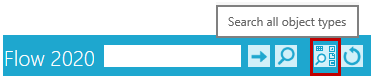
When you need to search for objects from a variety of types, such as items, models and drawings, you can now find a button for this.
- The button opens a search card with the most common fields for all object types.
Extend search to an object group
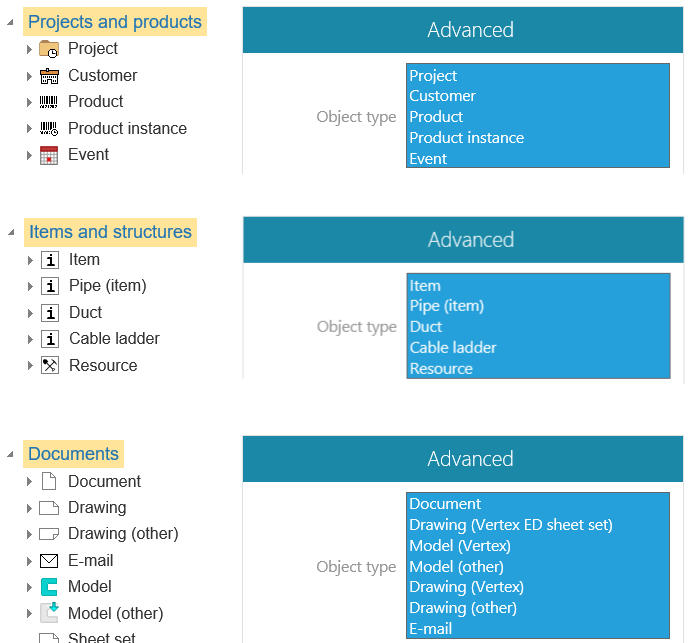
Now you can target your search to Flow object groups by selecting the main title in the Archive Tree. Previously, you could only search through the tree by selecting the object type.
- Specify the search based on the Object Type list under the Advanced section.
You can enter a string in the search card Classification field
If you remember the Classification, typing it to a search card may be faster than searching it through the Classification selection.
- If you use both the classification and the description in English and/or Finnish, only writing a classification is possible. The description is not recognized.
Example:
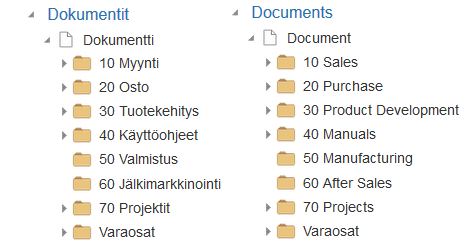
- Here you can enter numbers (ie Classification), but not their plain descriptions.
- Ed. the example "Varaosat" is a classification, so it will appear under that name regardless of the content language.
Note that the plain language descriptions of the classifications follow the selected Content language and not the User Interface language.
Open the related files from the quick thumbnail
Now you will get a list of related documents and you can open the desired format from the list.
Use the symbol  to get a list of the files associated with the object.
- This allows you to open the file for viewing, but not reserve it for editing.

The list does not open a quick browsing image, ie a jpg file.
Swivel model for Flow
.
| Panel | ||
|---|---|---|
| ||
Connections |
The Connections function have been accelerated
Connections block no longer shows configured items and this speeds up the opening of connections.
- This feature was already included in version 19.0.01

You can find the connections of configured items with the function Tool > Connections > Show
By default, the Connection block is closed when you Check in the object
The data in the Connections block does not matter when editing the attribute information, so the block is closed by default. This speeds up the operation especially if there are many other objects associated with the object being edited.

The connection from a configured item to a generic item always appears
- This feature was dropped from version 19.0.01.
- The feature was returned to version 19.0.04.
- But the generic item does not show the connections (by default) to all configured items.
| Panel | ||
|---|---|---|
| ||
Reports |
Drawing (other) type documents are also collected from the item structure
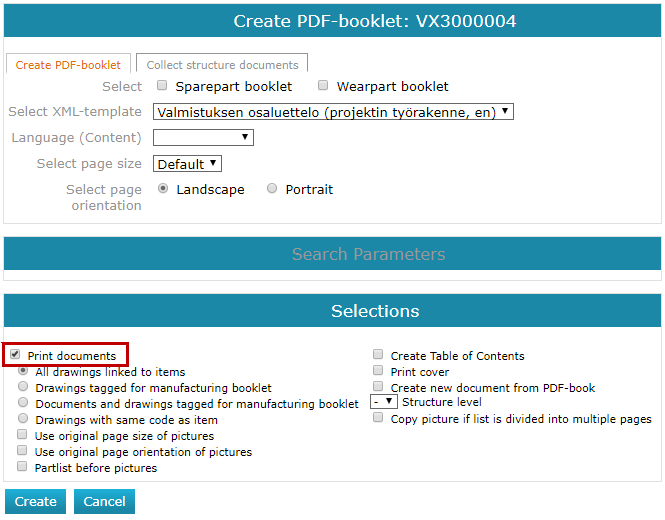
If you have Drawing (Other) type documents in the item structure and they have PDF images, these images will now be included in the PDF book. Previously, only PDFs of Vertex drawings were collected in the book.
- The feature was already released on 19.0.04
- The function can be found under Item: Item > Item Structure > Create PDF Booklet > Print documents.
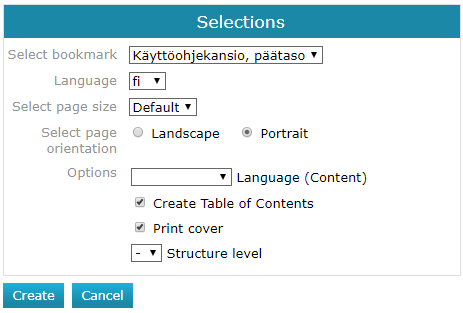
Select the structural layers in the Binder tool
You can now select the layers in the Binder tool from which documentation is collected in the PDF.
You can find the mapping tool for your Products and Projects: Tools> Binder Tool.
Reporting the contents of a Trolley to Excel
You'll get customized Excel templates to generate reports on the contents of your Trolley to suit your needs.
- Trolley > Tools > Reports
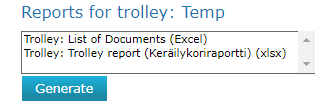
The administrator can add the updated Excel 2007 xlsx templates to the Flow portal, where you will also find sample templates.
- Portaali > Systems Administration > Reports > Report Tempalate
| Panel | ||
|---|---|---|
| ||
Assistive messages and message processing |
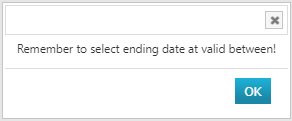
You will be notified of a missing expiration date
If you have defined the contents of the Action field for your document but you are missing an expiration date (Field: Valid between), the program will note this.
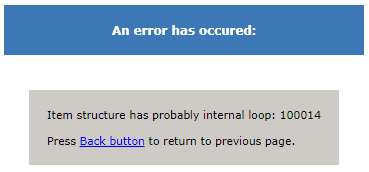
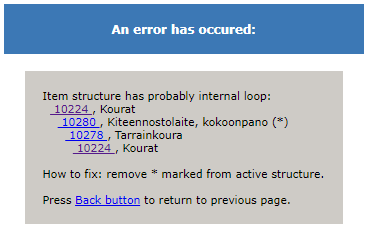
The item structure is checked for a loop
The item structure is now always checked when the item structure is checked in, and if loops are detected in the item structure, they are reported.
| Panel | ||
|---|---|---|
| ||
Other improvements |
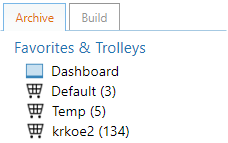
The status of the Trolleys is updated every time you enter the main page
When the Flow Archive tab is activated, the program looks at the contents of the Trolleys and tells you the current status.
When you edit an object's properties, you can close the blocks
Now you can close the blocks when you have edited the properties of the object. In version 19.0, blocks could not be closed when editing the properties, and this was embarrassing especially with the Connentions block, as there could be hundreds of connections.
- When you create a new object, you cannot close the blocks.
Copy a configured Product instance
Copying a Product instance to a New Product instance copy now includes Option Selections and product connections.
- This feature is useful when using the Product instance to create a new Product instance using the Flow configurator.
- Because the previous Selections are copied, you do not have to do them again and this saves you time. Where necessary, previous Option Selections will be modified and the product resolved again.
Copy old Product instance to new Product instance:
- Product instance > Copy...
Rerun the Option selection for copied Product instance:
- Product instance > Option selection...