NOTE: Confluence Cloud migration has completed - switch there. Do not modify anything here! / PanuO


Search functionality improved
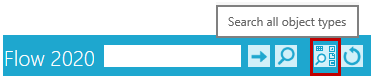
Search for all types of documents
When you need to search for objects from a variety of types, such as items, models and drawings, you can now find a button for this.
- The button opens a search card with the most common common fields for all object types.
Extend search to an object group
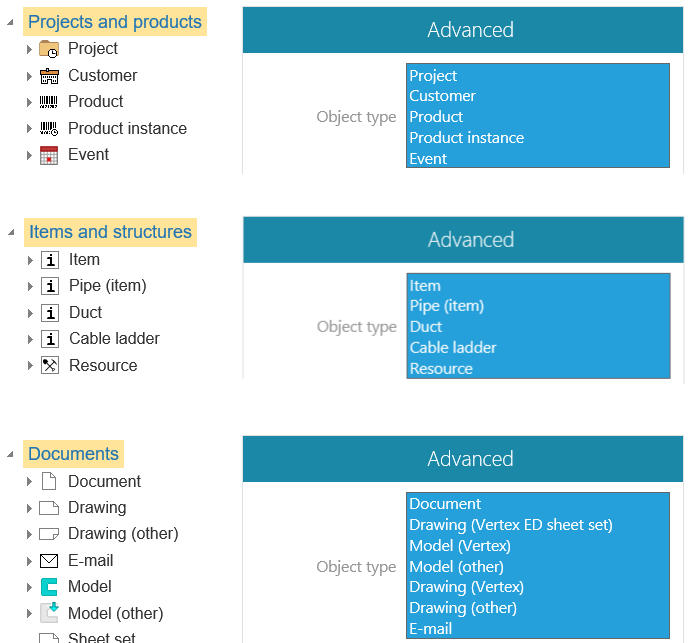
Now you can target your search to Flow object groups by selecting the main title in the Archive Tree. Previously, you can only search through the tree by selecting the object type.
- Specify the search based on the Object Type list under the Advanced section.
Other improvements
The Connections function have been accelerated
Connections block no longer show configured items and this speeds up the opening of connections.
- This feature was already included in version 19.0.01

When you edit an object's properties, you can close the blocks
For example, the data in the Connections block does not matter when editing the attribute information. Now you can close this aConnections block and it stay closed when you Check in or edit the properties of other objects.
- This speeds up the operation especially if there are many other objects associated with the object being edited.
